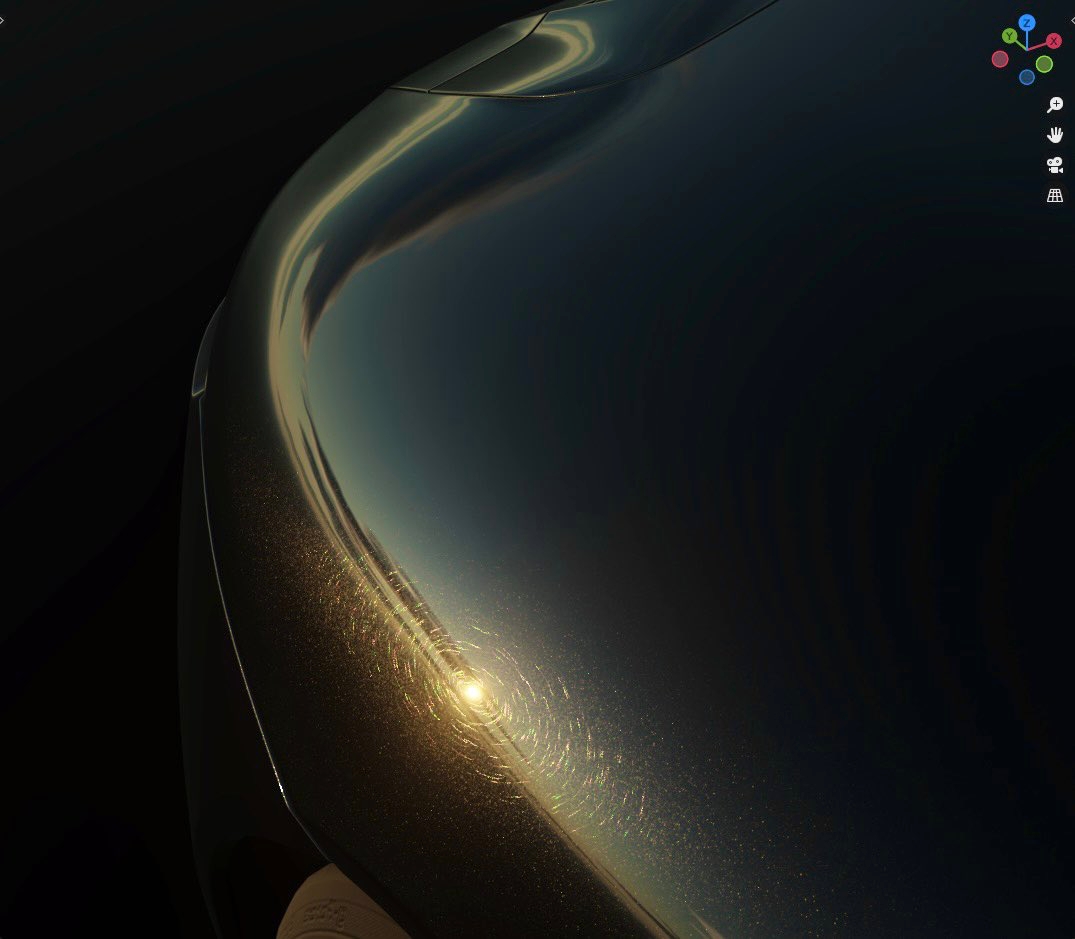
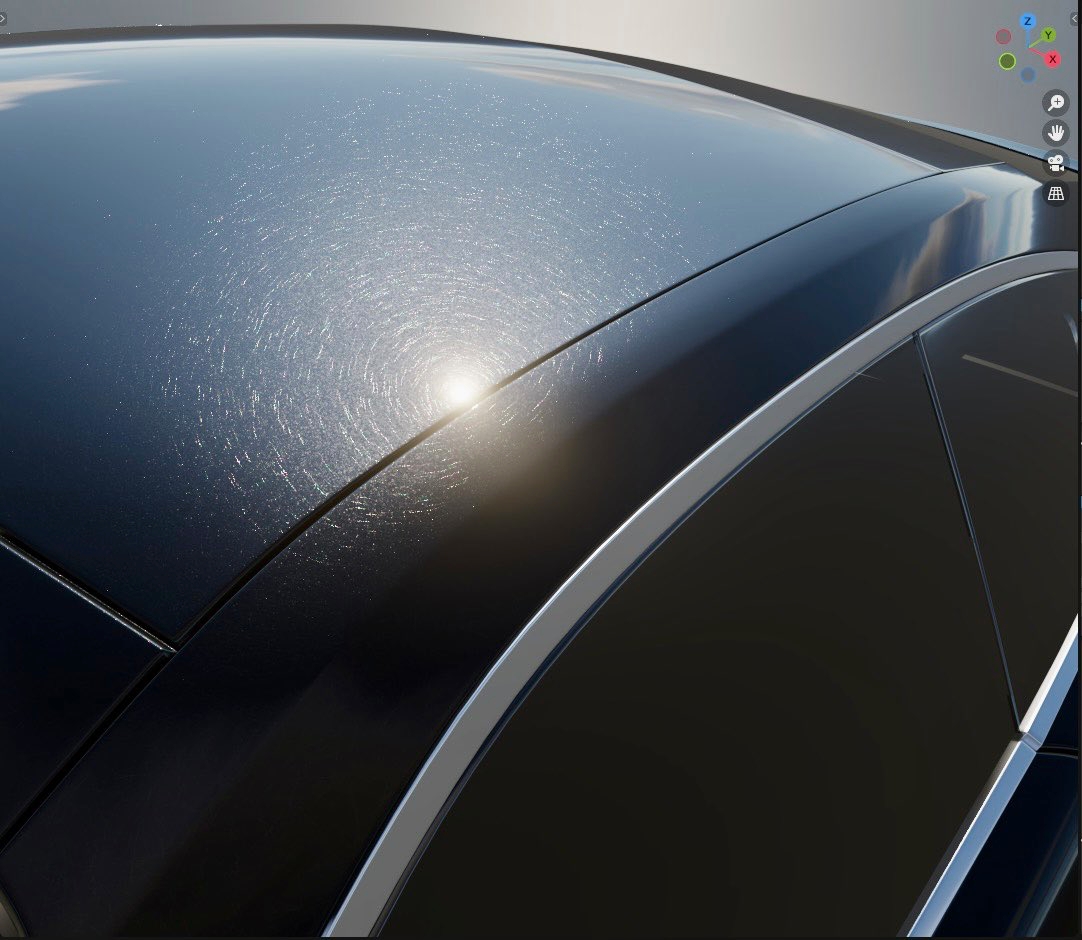
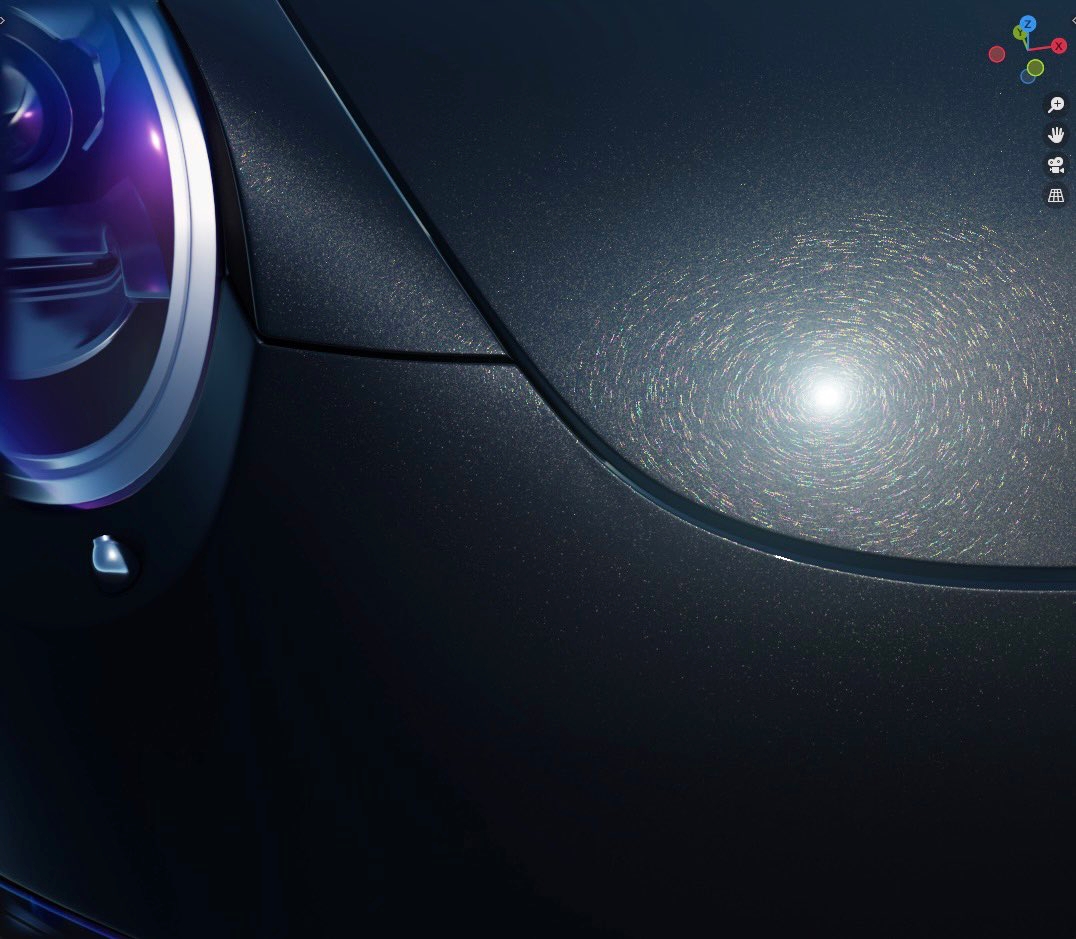
Goal for this experiment is again automotive shader related - I want to achieve realistic microscratching on shiny surfaces. This is my first test. I am not entirely satisfied, but I am getting there eventually.
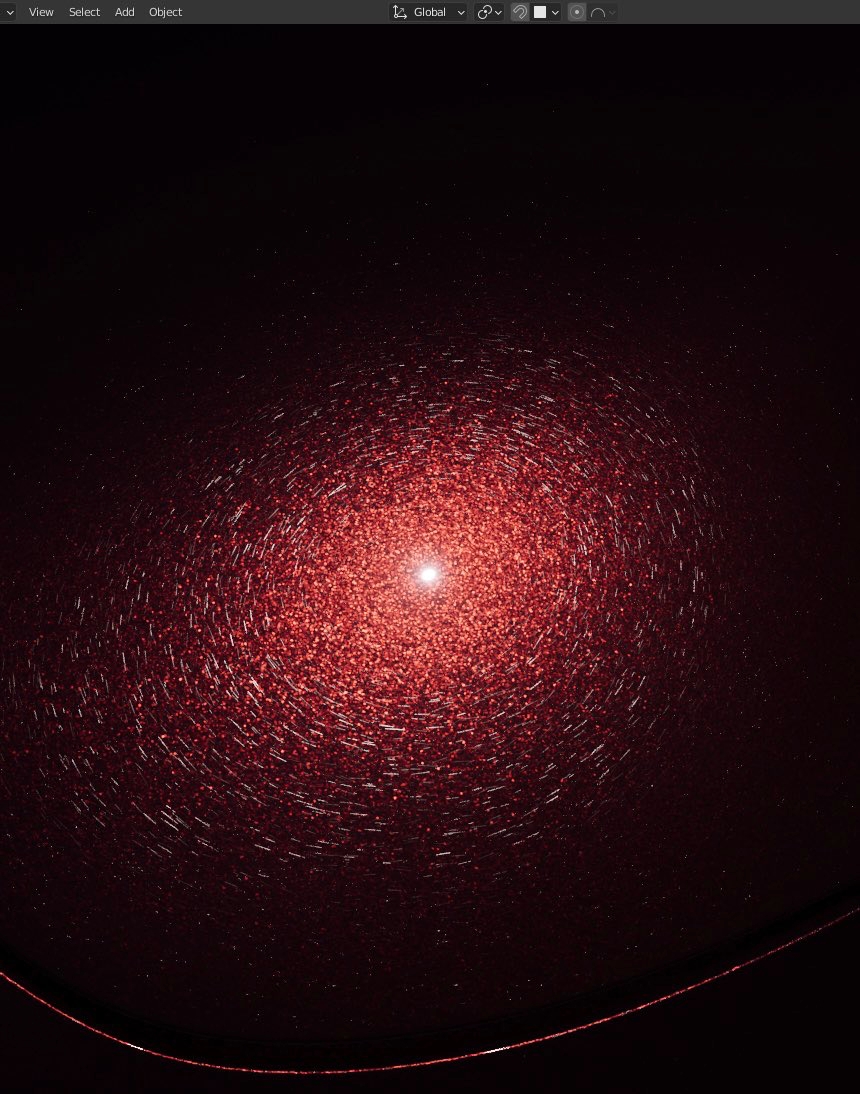
In order to get the anisotropic reflections, you need to calculate the scratch normals. Initially I started with a V shape groove, but a U shape gave me more ‘stable’ results with less sampling. Now only the groove direction towards the light source lights up.
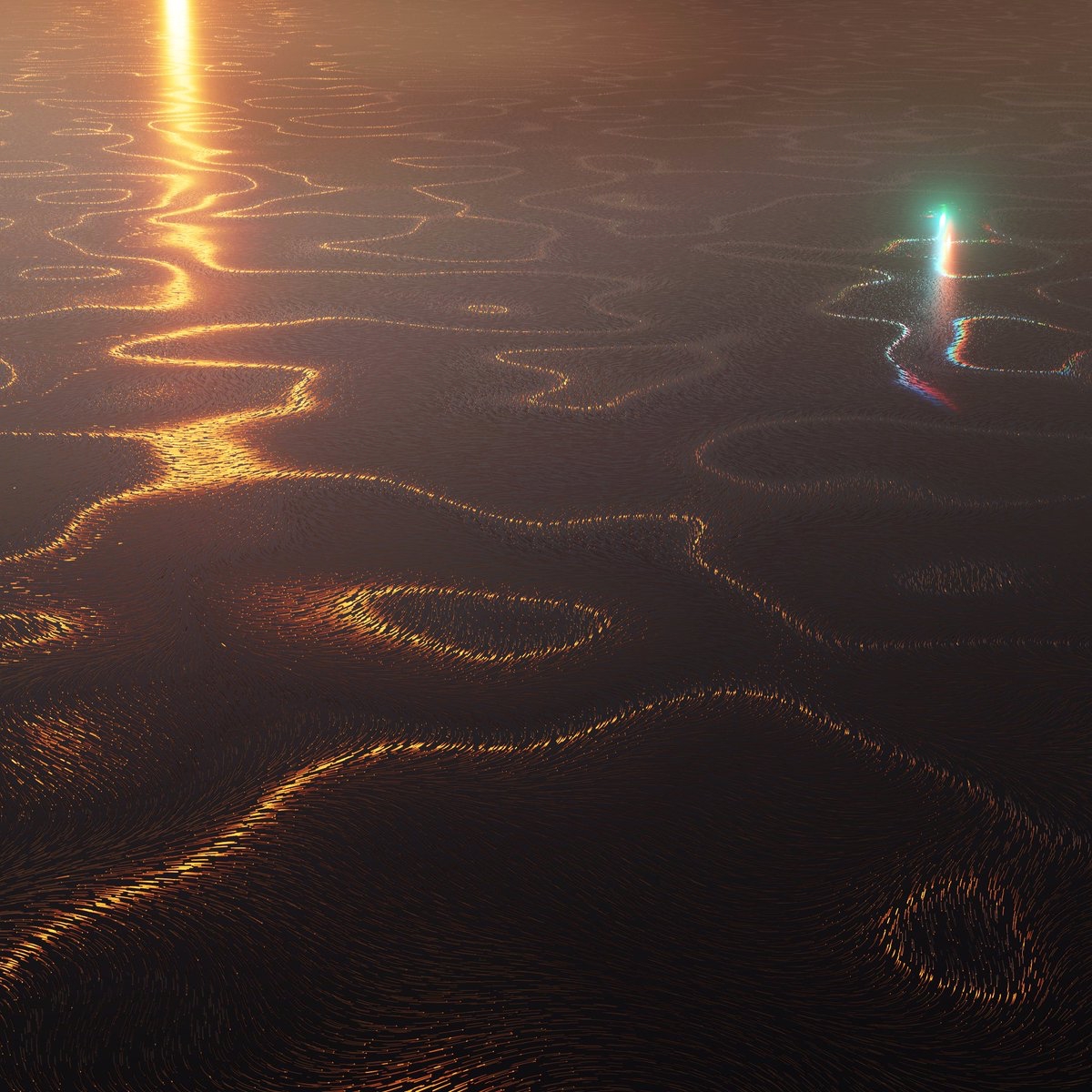
The first micro-scratches (swirlmarks, spiderwebbing) render results I am near-satisfied with in #Blender3D rendered in Eevee.
I am now looking for ways to improve anti-aliasing and keep the scratch texture passes lower.
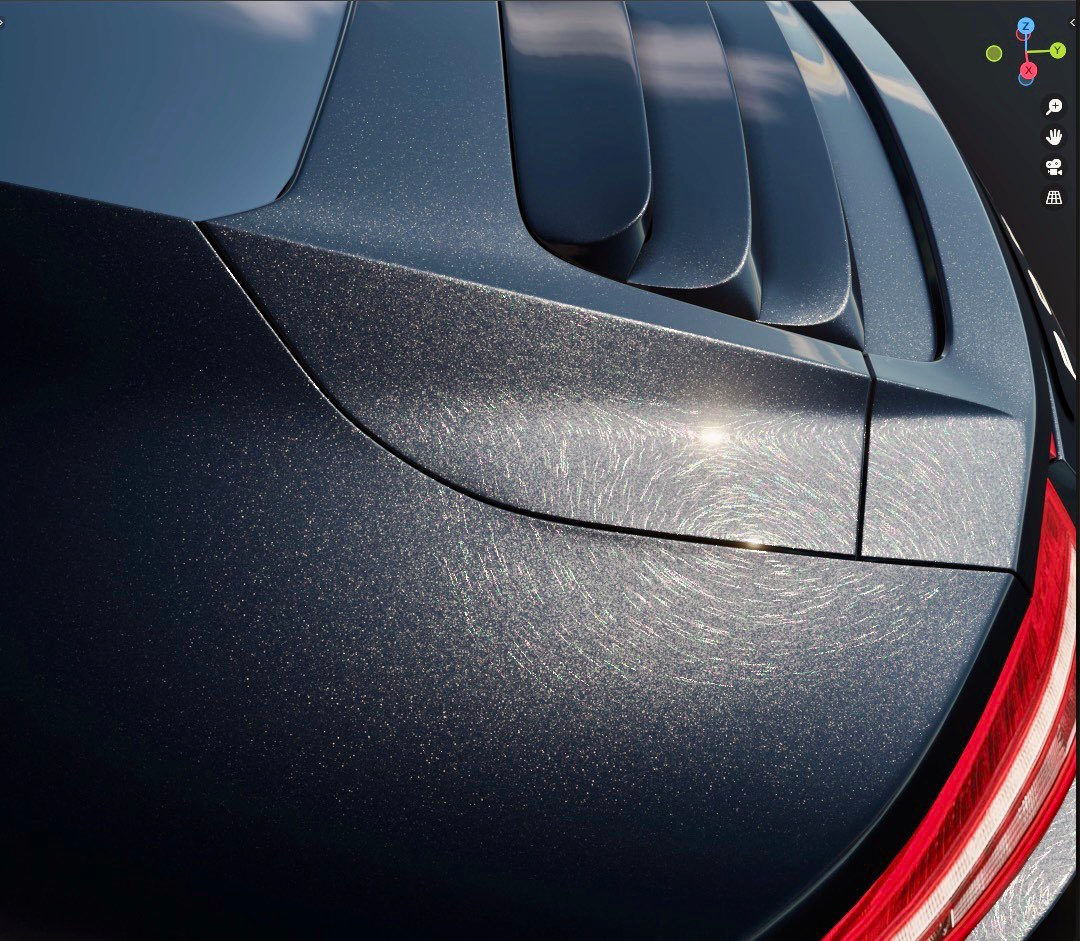
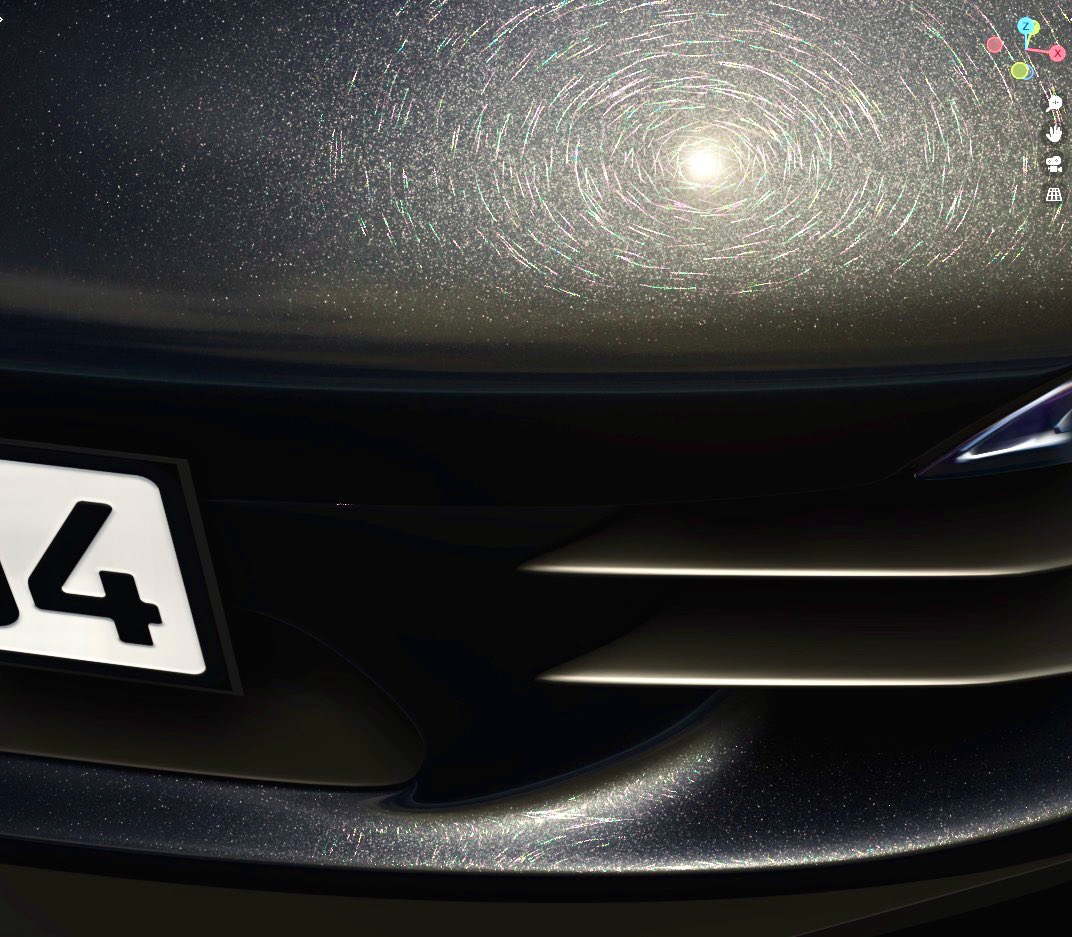
Notice that I tried a naive scratch iridescence. It was done with the thin-film interference LUT approach I used on car headlights few posts ago.
Input the scratch depth into ‘thickness’ slot and it resulted to this. I am quite happy with it, even though it is wrong :)
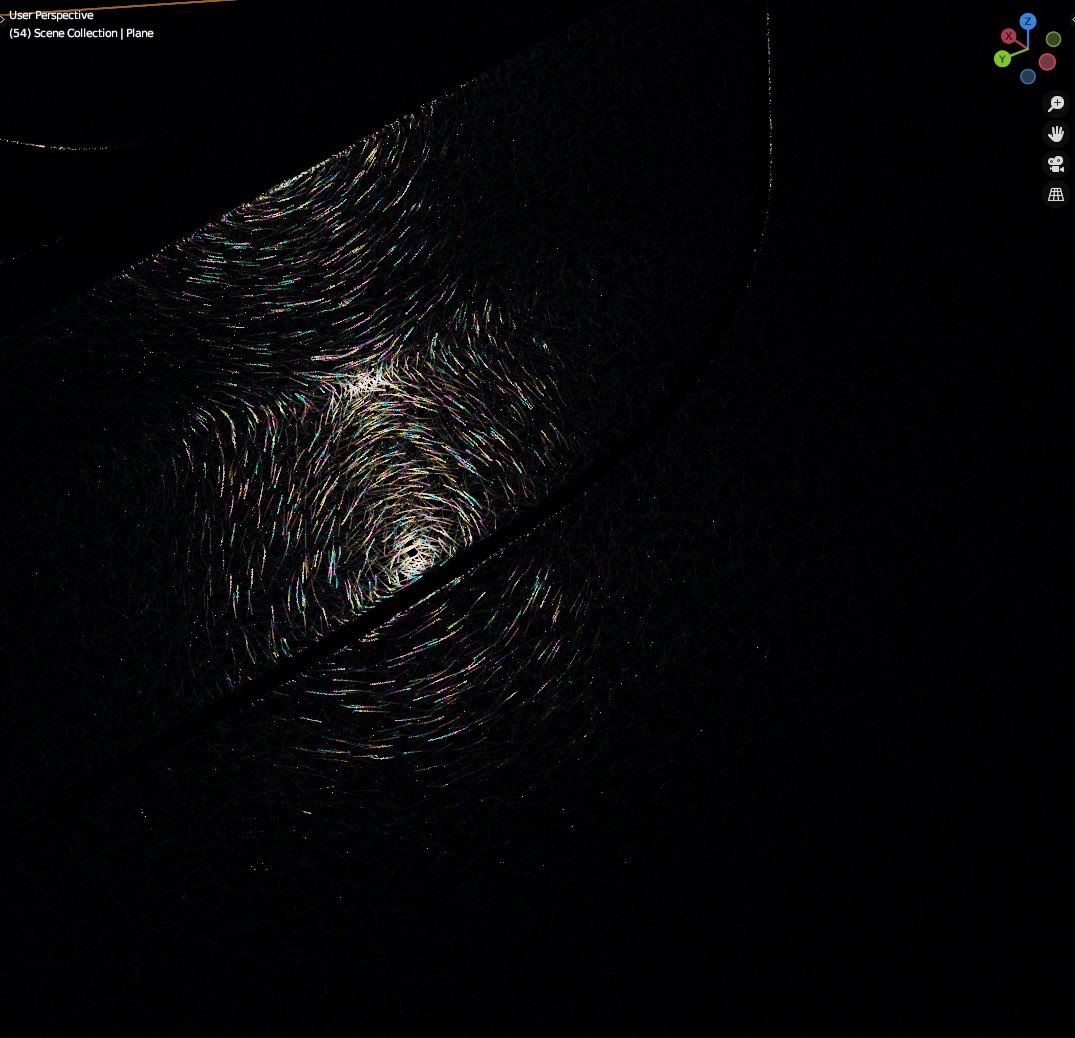
Few more screenshots. There is a lot of room for improvement visually and performance-wise.
The current 16 procedural Voronoi scratch texture passes are slow. ~300 render samples to finally start make out the scratches instead of noise is also not ideal.